
Photo Guide: Using Godox X1’s As Remote Triggers For Canon Mirrorless Cameras
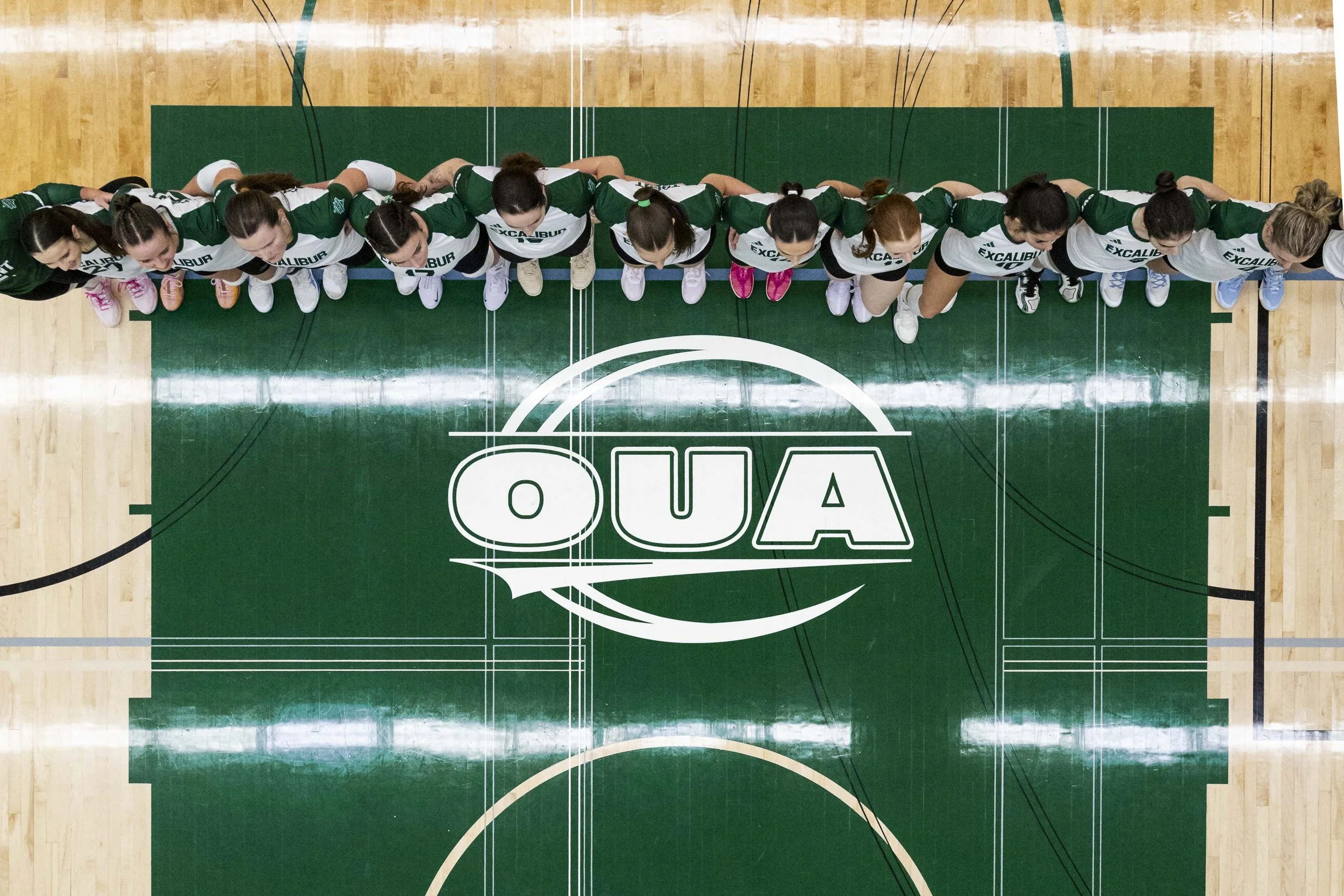
Big thanks to Matt Hiscox (Matt Hiscox Photography) for his insight on these triggers and for providing me with the majority of the information seen here.
My search for a reliable and inexpensive remote trigger for Canon’s line of mirrorless cameras has been a difficult one. Traditionally, Pocket Wizards have been used for the majority of remote triggers, however a set of PWs can run you north of $300. While very reliable, the price tag was too steep for the amount of use I would be getting out of it. Adversely, I found the free Canon Camera Connect app to be inconsistent and relied on the bluetooth/wifi of the camera, which I have never had good luck with. The only other remote trigger that I was aware of was the Canon RC-6, while inexpensive, the abysmal 5m range rendered it practically useless.


All hope was lost until I was made aware of the Godox X1 receiver and transmitter. Traditionally used as a flash trigger, this system can be used as a remote shutter trigger! This was game changing for me as I have used Godox strobes/speedlites in the past and I have been happy with their results (and their relatively cheap price tag). The X1 R/T also boasts an impressive 100m of range, perfect for sports photography, and you can pick up a set for just over $100 (I was able to get mine second hand for $70).
Here is how I rigged my X1’s with my cameras:
1. I turn on my transmitter and receiver and set them to the same channel/group (I suggest using a channel other than 1 as it’s common for other photographers or radio signals to be set to channel 1 and this can interfere with your camera).
2. I hard-wired the receiver to my camera’s trigger port and placed the receiver in the camera’s hot shoe. The X1 receiver has a 2.5mm female port and my camera has a 2.5mm female port (be sure to double check your camera’s trigger port before buying the cable). I suggest using a good quality cable as a poor cable can result in the signal not being transmitted or it being transmitted unreliably. I also suggest using a short cable as you don’t want it being caught on anything, mine is a 10” coiled cable and it’s the perfect length.
3. I set the transmitter to M or TTL mode and double check that I have the correct channel/group
That’s it! When you press “test” on the transmitter the camera will fire. You can set the camera to AF or MF and any of the photo modes (single shot, burst, timer, etc.). You can also half press the “test” button to initiate the auto-focus. These triggers have worked great on my Canon R6, R6M2 and R5M2.
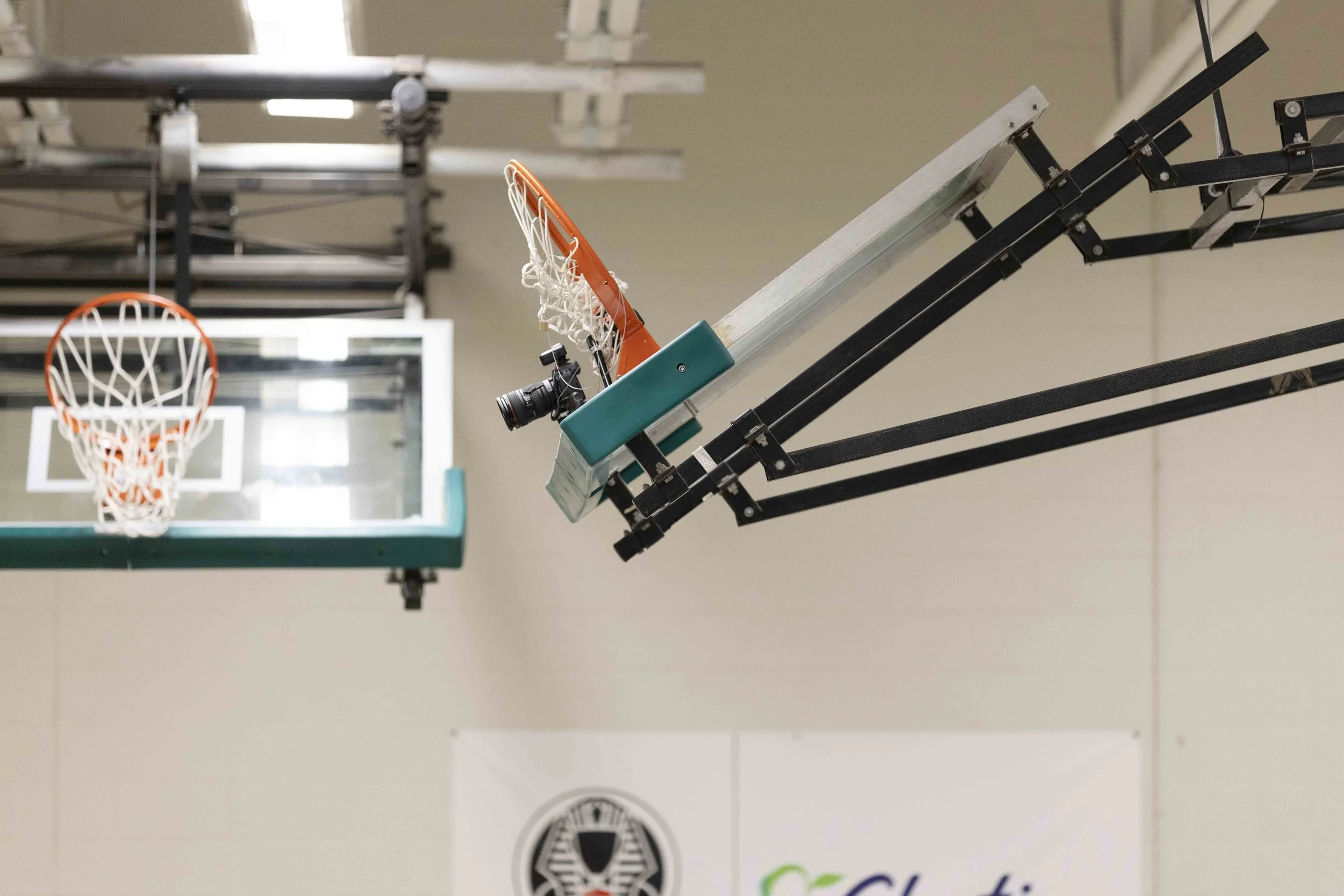
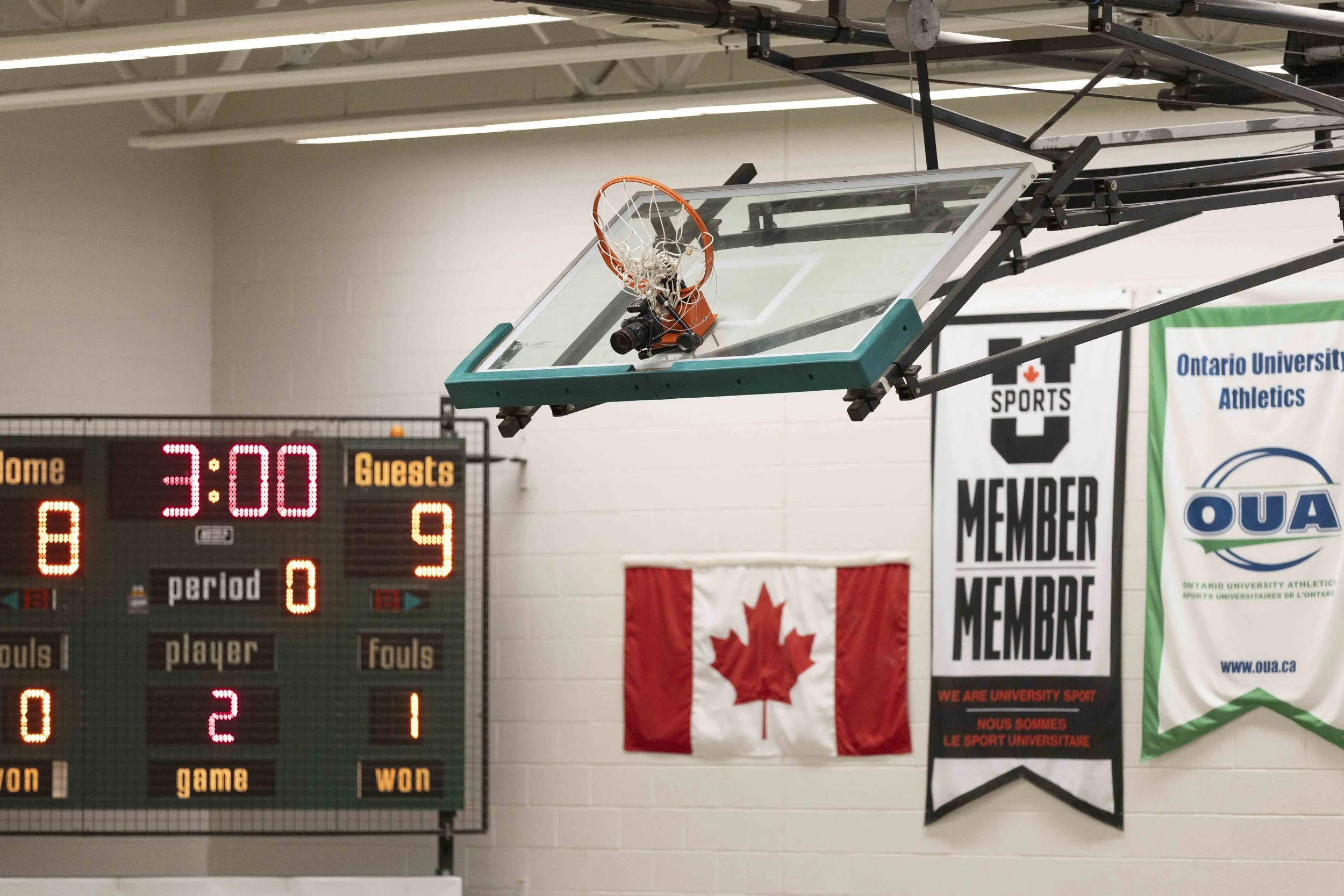
SAFETY MESSAGE: In 99% of cases the reason you would be using a remote camera is because it is in a spot that only a camera can fit in or so that you can maintain an angle of the action while you take other photos elsewhere. In any case, it is very important to secure your set-up both for security and safety. If the camera were to fall in a spot that may hurt someone or disturb the game it is your fault. I personally use a Manfrotto super clamp and magic arm with two metal wires with locks (one fixed to the camera and the other fixed to the magic arm). This ensures that everyone around my camera is safe and that I can know that my camera cannot be stolen (at least easily).
I have also experimented with setting off a remote flash at the same time as the camera. To achieve this I would have a trigger in hand and the receiver wired to the camera as seen above. I would then use a second transmitter, this time on the hot shoe of the triggered camera, and set it to a different channel. I would then set up my Godox speedlite to the channel of the second transmitter. The only issue I’ve had with this that I didn’t experience when using no remote flash was that the auto-focus on the camera may have a difficult time, especially if the initial exposure is dark.
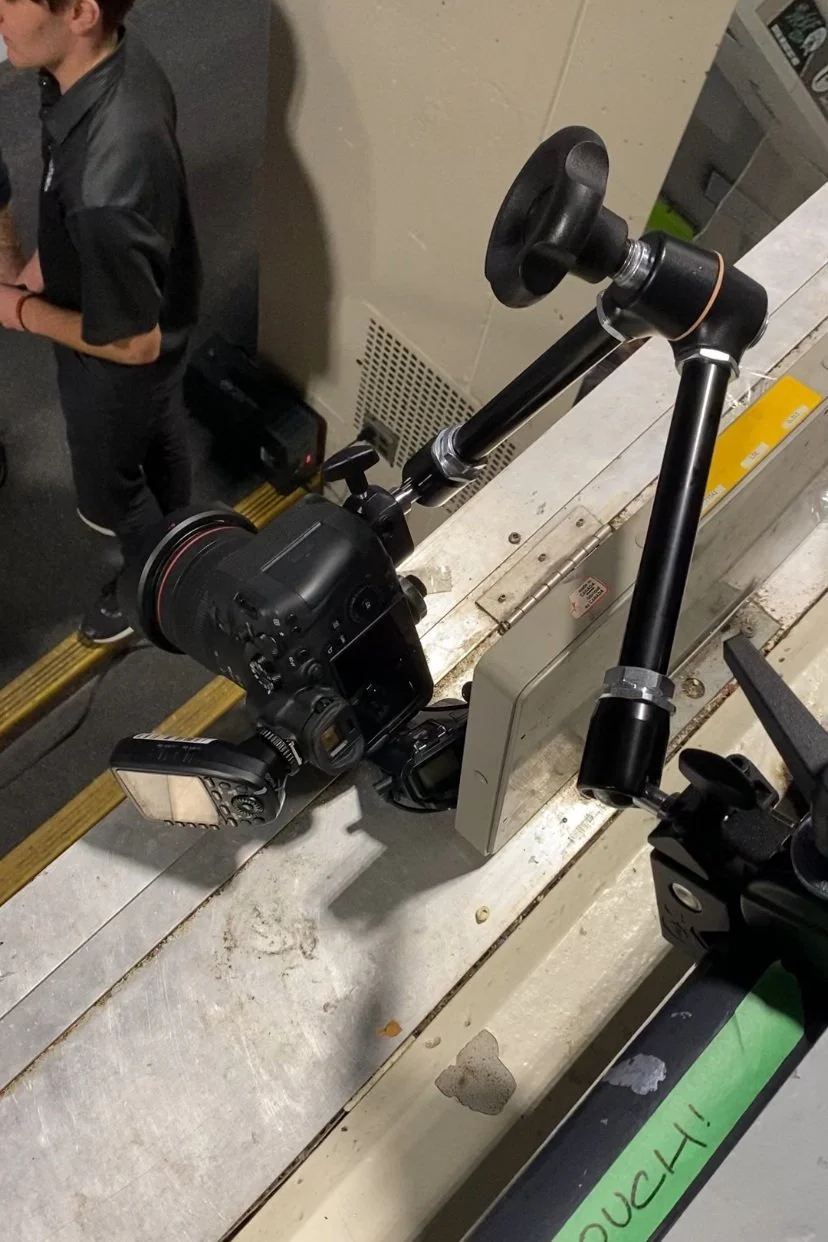
In my short time experimenting with this set-up I have been very pleased with the results and reliability, although I do have two cons that go with it. First, the receiver may glitch and continuously take photos if only one or a few photos were expected. I suggest checking your camera regularly and always having spare SD cards in the case that this does happen. Second, I have tried to rig the trigger to allow me to take a photo with a camera with the transmitter on it while simultaneously taking a photo with a 2nd camera with a receiver (further testing will be done to try to make this happen but as of right now I cant figure it out).

All in all these remote allow me to get another angle of the action for a relatively cheap price. I would suggest these tiggers to any photographer looking to add some variety to their game day shots.
Thanks again Matt for all of your help!